Login with OTP code
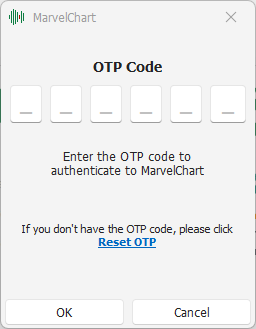
During the authentication procedure, MarvelChart may ask you to enter the OTP code for your PlayOptions account. The OTP code is displayed in the Google Authenticator application on your smartphone. Enter the code in the appropriate spaces and confirm with OK.
If you do not have your OTP code or have lost it, you can perform a recovery procedure by clicking on the item "Reset OTP".
21 October 2024